 Robbz Olson

Microsoft Store, More Than Solitare
 Robbz Olson : Jul 16, 2026, 9:13:00 AM
Learn how to reduce shadow IT and unnecessary attack surface by limiting Microsoft Store app discovery and creating greater control over software on...

If your using Microsoft Edge, did you know about the "Shopping" feature built into edge?
Edge has a built in tool that compare the prices of products, get coupons or rebates from the website, auto-apply coupons, and help checkout faster using autofill data. This is a security risk due to using your browsing data and could expose sensitive data with 3rd parties. If you're like me and don't want this in Edge, here is the fix for you:
- Open your registry editor as admin
- Go to HKEY_LOCAL_MACHINE\SOFTWARE\Policies\Microsoft\Edge
EdgeShoppingAssistantEnabled
- Create a DWORD or set the existing DWORD to 1
- Relaunch Edge
Shopping in Edge no more!
(if you want a free guide of other hardening tips like this or a better method of configure configuration settings email me at hardeningtips@senteon.co 😉 )
 Robbz Olson : Jul 16, 2026, 9:13:00 AM
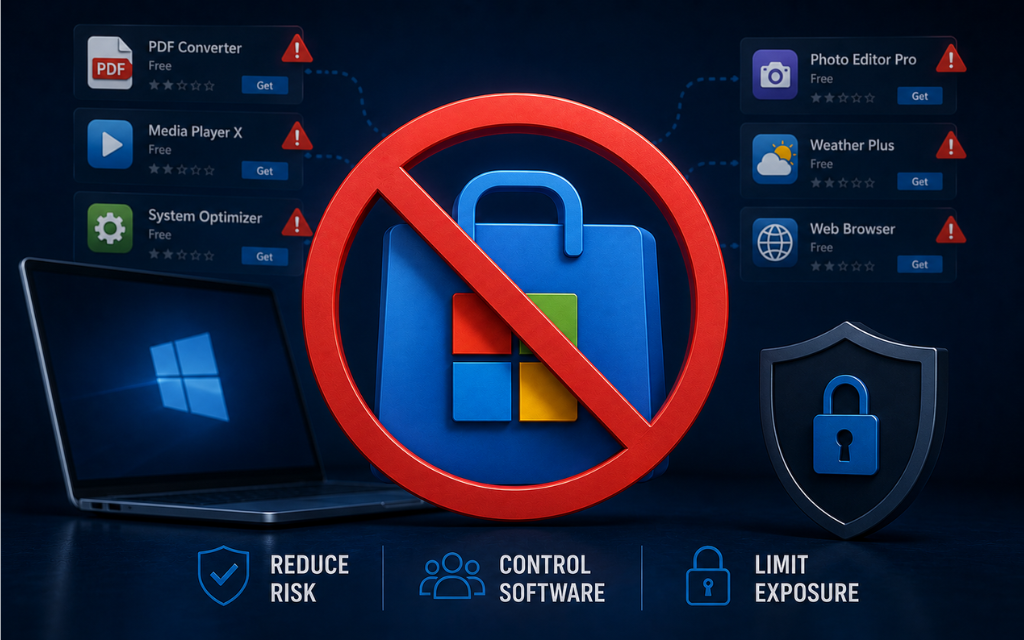
Learn how to reduce shadow IT and unnecessary attack surface by limiting Microsoft Store app discovery and creating greater control over software on...
 Robbz Olson : Jul 15, 2026, 10:12:01 AM
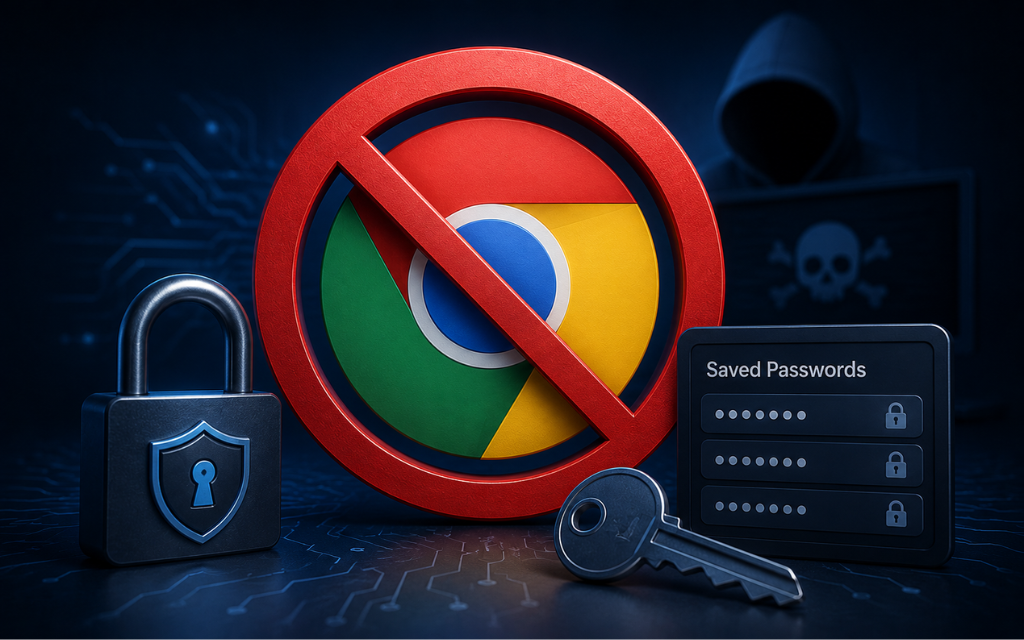
Learn how to disable Chrome’s built-in password manager to prevent users from saving new passwords in the browser and reduce the risk of credential...
 Robbz Olson : Aug 20, 2026, 12:47:00 PM
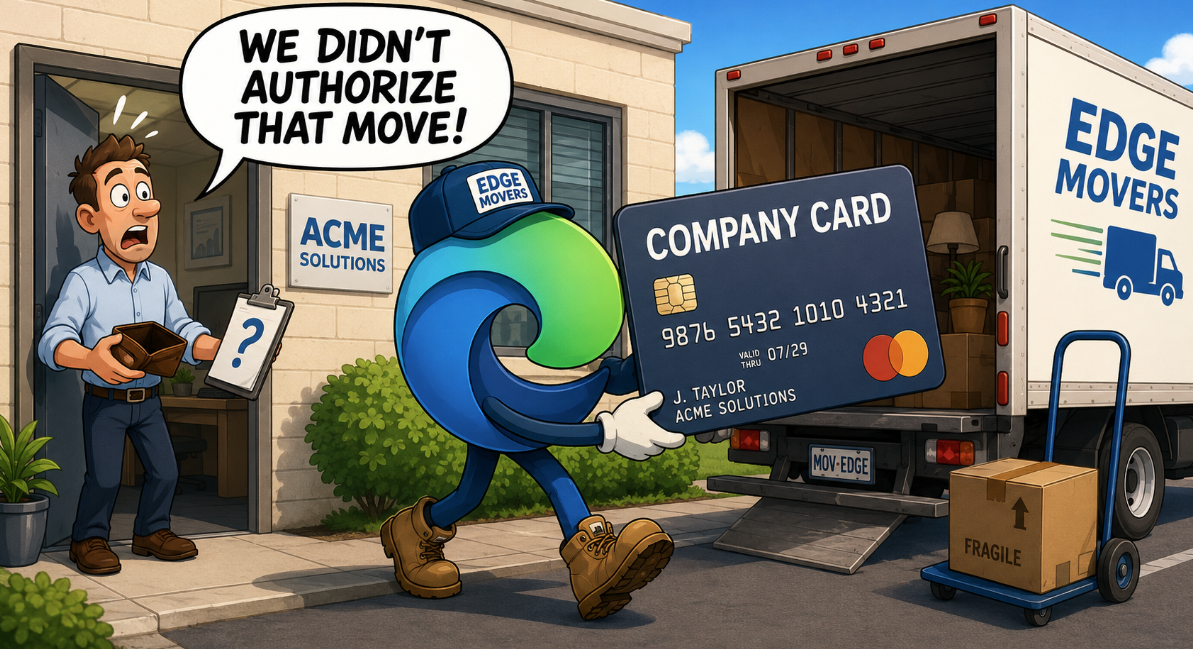
Learn how to prevent Microsoft Edge from automatically importing saved credit card and payment information from other browsers on business endpoints.