1 min read

Passwords in Chrome

Passwords in Chrome

Passwords are really the keys to your business data. 

Email SaaS platforms, banking, internal systems etc. Once an attacker has a password the rest of the environment often isn't far behind. 

I hear some great advice repeated all the time: Use an approved enterprise password vault (shout out to my homies like Keeper Security, Inc. Bitwarden or 1Password etc) 

And honestly... you really should.

But here’s the reality: users don’t like change. Even when organizations deploy proper password managers, people still fall back to what’s easy, 𝘀𝗮𝘃𝗶𝗻𝗴 𝗽𝗮𝘀𝘀𝘄𝗼𝗿𝗱𝘀 𝗶𝗻 𝘁𝗵𝗲 𝗯𝗿𝗼𝘄𝘀𝗲𝗿.

Browsers prioritize convenience, while attackers and infostealer malware know exactly where to look for stored credentials.

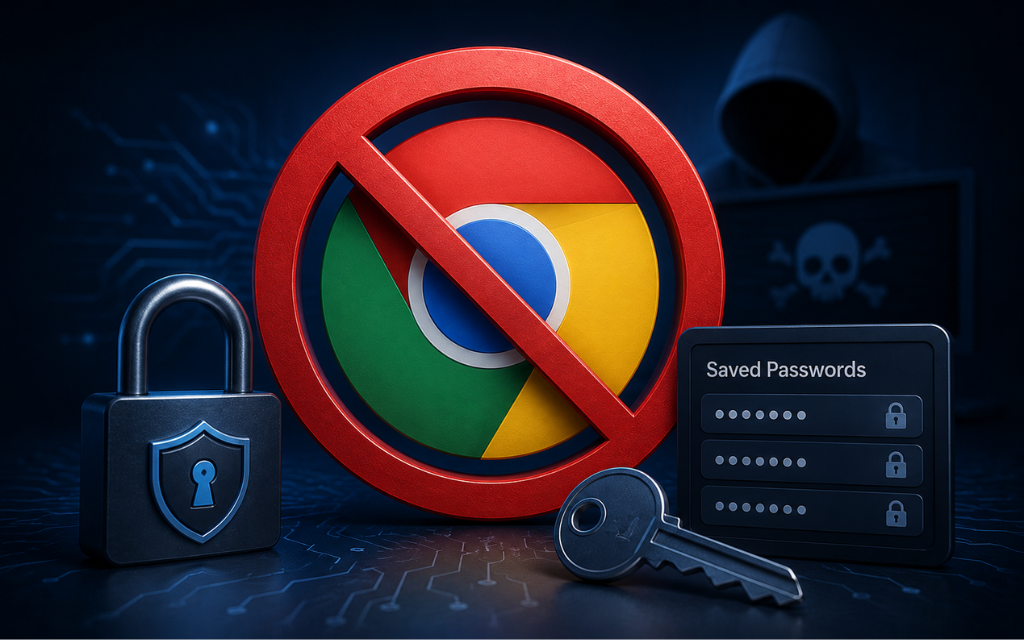
One way to reduce that risk is disabling Chrome’s built-in password manager.

Here’s how: 
- Go to your start menu and open "Registry Editor" as admin
- Go to this path: HKEY_LOCAL_MACHINE\SOFTWARE\Policies\Google\Chrome
- Either create or open/edit a DWORD called "PasswordManagerEnabled" and set it to 0

IMPORTANT: This setting change only stops from saving new passwords but does not delete or modify already saved passwords in the Chrome user profile. 

More info from Google directly here: https://lnkd.in/gVC3fk_Z

 Let close those small gaps attacks love to exploit 

(if you want a free guide of other hardening tips like this or a better/automated method of hardening configuration settings emial me at hardeningtips@senteon.co 😉 )

Old Bluetooth, Yeah its wide open...

1 min read

Old Bluetooth, Yeah its wide open...

One of the most overlooked attack surfaces on a Windows machine?Bluetooth services running in the background.Most people don’t think twice about...

READ MORE
Setup Message Not So Welcome...

1 min read

Setup Message Not So Welcome...

On personal devices (or systems not joined to a domain), have you ever seen the “Let’s finish setting up your PC” prompt?The one that really wants...

READ MORE
Disable OneDrive

1 min read

Disable OneDrive

Back in my MSP days, OneDrive caused more confusion than it solved in certain environments.Not because it’s bad but because it was uncontrolled.-...

READ MORE