1 min read

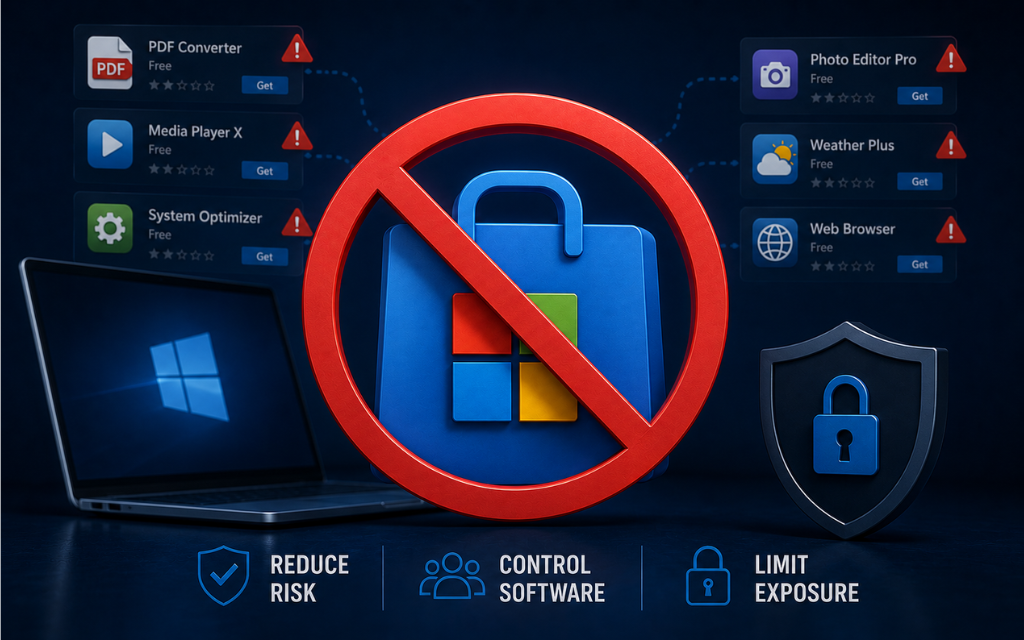
Microsoft Store, More Than Solitare

Microsoft Store, More Than Solitare

If you were setting up a laptop for your mom, would you leave the front door wide open? Most of us have had that moment.
You set up a nice, clean Windows machine for a family member.

A week later you hear:
“I downloaded this free PDF converter and now my browser looks weird.”

The Microsoft Store makes it incredibly easy to install applications and while many apps are legitimate, the average user doesn’t evaluate publisher reputation, permissions, or security impact before clicking Install.
In enterprise environments, that same behavior becomes shadow IT.
Remove easy access to the Microsoft Store’s app acquisition flow by doing the following: 

- Go to your start menu and find "Registry Editor" as admin
- go to this path:
HKEY_LOCAL_MACHINE\SOFTWARE\Policies\Microsoft\Windows\Explorer
- Either create or open a DWORD called "NoUseStoreOpenWith" and set it to 1 

• This prevents users from being prompted to search the Microsoft Store when opening unknown file types
• Reduces casual app discovery and installation
• Helps enforce a controlled software approval process

This isn’t about restricting users, it’s about reducing unnecessary attack surface.
If you wouldn’t let your mom randomly install software from unknown publishers, why allow it in your enterprise environment?
Hardening is often about removing convenience that attackers rely on.

(if you want a free guide of other hardening tips like this or a better method of hardening configuration settings email me at hardeningtips@senteon.co 😉 )

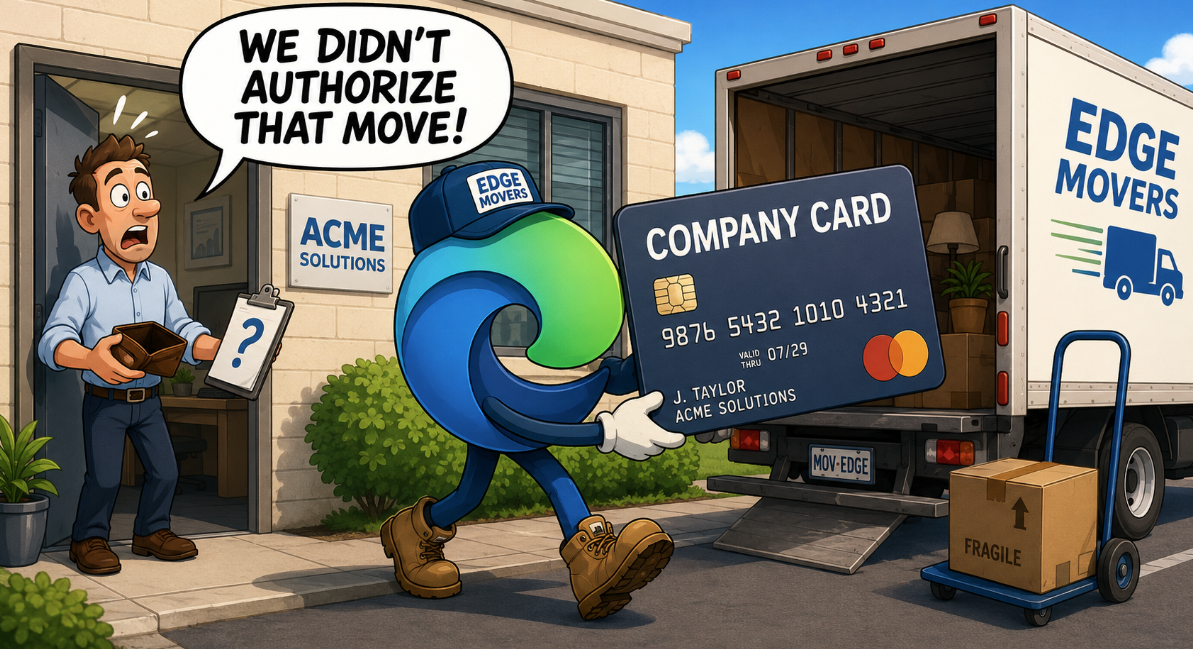
Why is Edge transferring my credit card?

Why is Edge transferring my credit card?

Learn how to prevent Microsoft Edge from automatically importing saved credit card and payment information from other browsers on business endpoints.
READ MORE
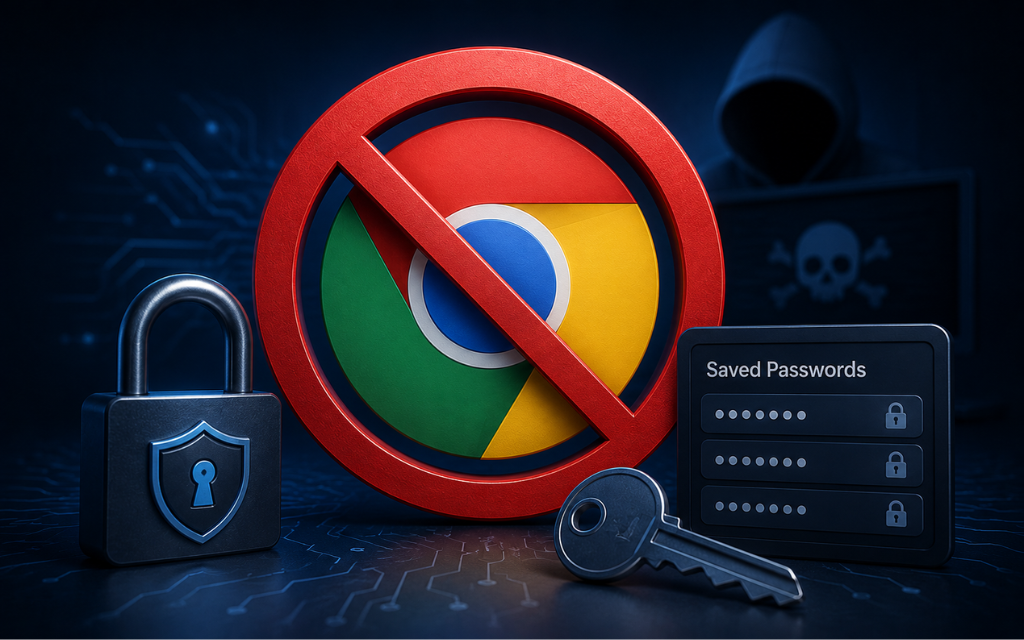
Passwords in Chrome

Passwords in Chrome

Learn how to disable Chrome’s built-in password manager to prevent users from saving new passwords in the browser and reduce the risk of credential...
READ MORE
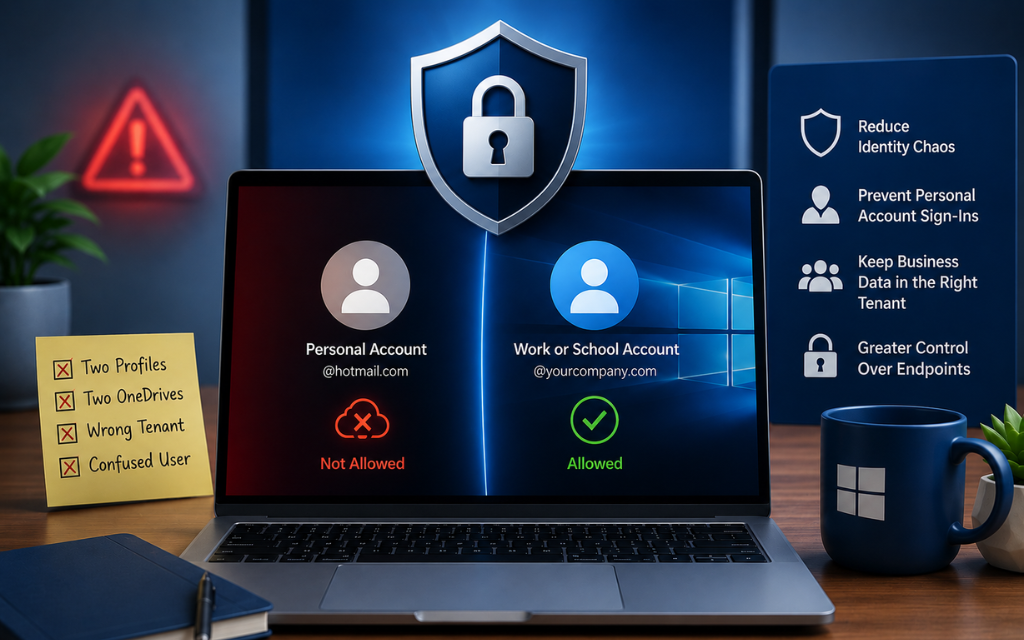
Block Personal Microsoft Accounts

Block Personal Microsoft Accounts

Learn how to block personal Microsoft accounts on Windows business devices to reduce identity sprawl, prevent account confusion, and maintain greater...

READ MORE