1 min read
Setup Message Not So Welcome...
On personal devices (or systems not joined to a domain), have you ever seen the “Let’s finish setting up your PC” prompt?The one that really wants...
Put yourself in this IT support scenario: You get a ticket that made no sense.
User couldn’t access company files.
OneDrive was “missing.”
Desktop looked completely different.
Turns out?
They had signed into the Windows machine with their personal @hotmail account instead of their business account.
Now we have:
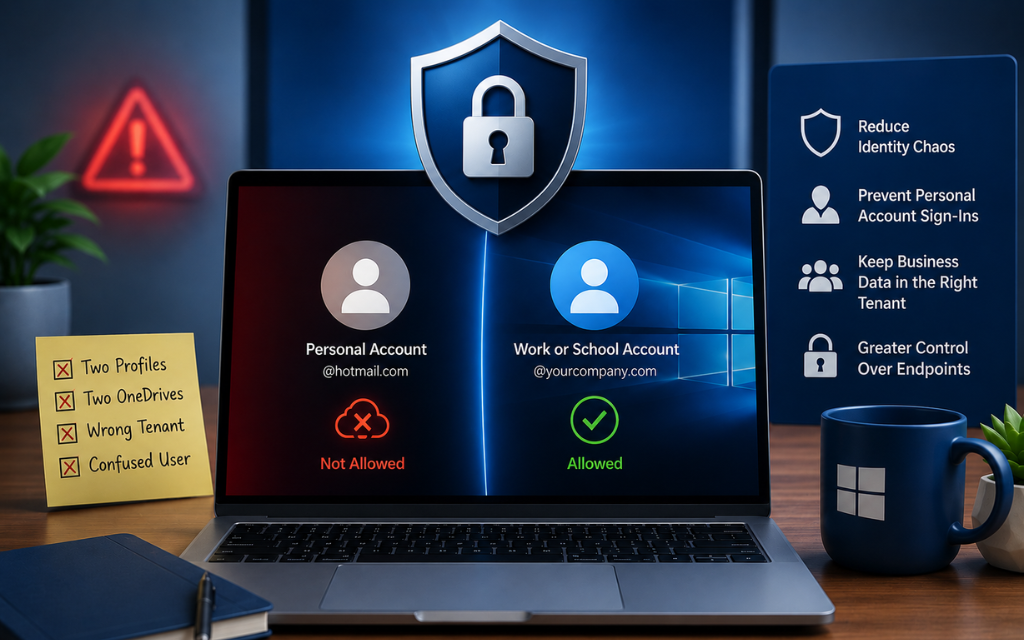
- Two profiles
- Two OneDrives
- Data saved in the wrong tenant
- And a very confused end user
All because personal Microsoft accounts were allowed on a business device.
That’s when you started blocking them altogether.
If a machine is meant for business use, personal accounts shouldn’t even be an option.
Here’s how to prevent it:
- Go to your start menu and open "Registry Editor" as admin
- Go to this path: HKEY_LOCAL_MACHINE\SOFTWARE\Policies\Microsoft\MicrosoftAccount
- Either create or open/edit a DWORD called "DisableUserAuth" and set it to 1
What this does:
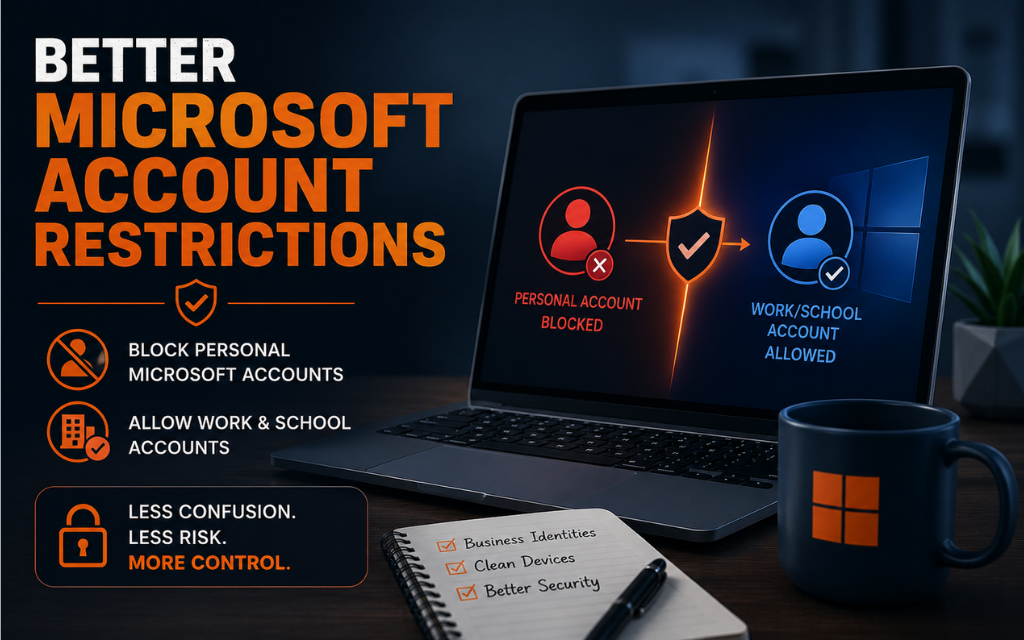
Blocks authentication using consumer (personal) Microsoft accounts on the device.
What it does NOT do:
It does not block Entra ID / Microsoft 365 work accounts.
This is especially useful for:
- MSP-managed environments
- Small businesses
- Shared PCs
- Any org trying to reduce identity chaos
Sometimes hardening isn’t about advanced controls, sometimes it’s about removing bad options.
Less confusion, Less identity sprawl, More control.
(if you want a free guide of other hardening tips like this or a better/automated method of hardening configuration settings email me at hardeningtips@senteon.co 😉 )
(Microsoft source: https://lnkd.in/g2axx9SK )
1 min read
On personal devices (or systems not joined to a domain), have you ever seen the “Let’s finish setting up your PC” prompt?The one that really wants...
1 min read
If you support users who are not joined to a domain (standalone machines), one of the most frustrating things to manage is people signing into the...
1 min read
Many vulnerabilities commonly use PowerShell to execute attacks on your system without leaving any traces. Powershell transcription logs are turned...