 Robbz Olson

Microsoft Store, More Than Solitare
 Robbz Olson : Jul 16, 2026, 9:13:00 AM
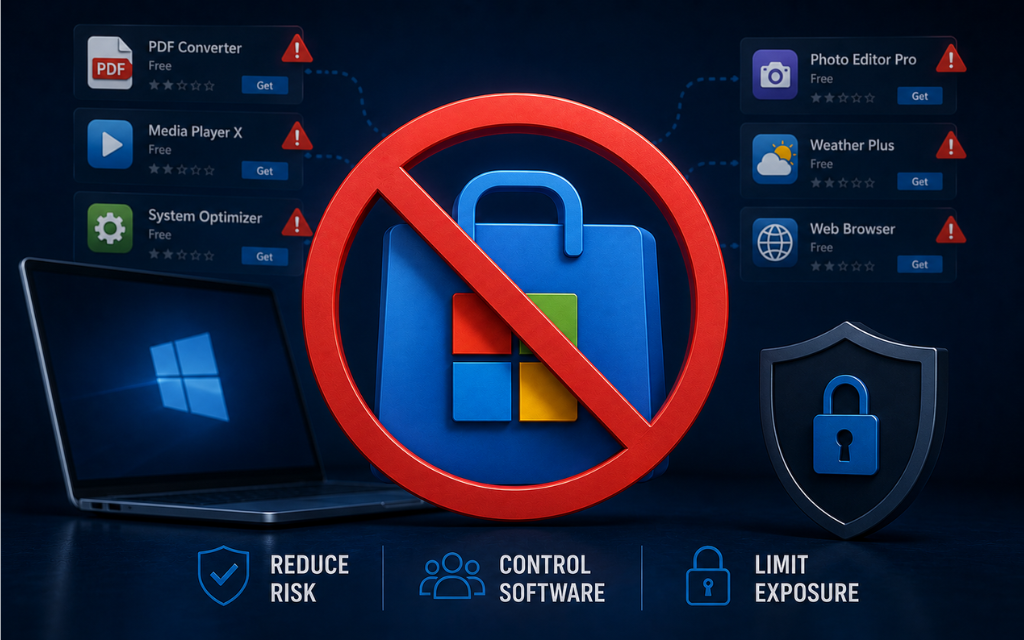
Learn how to reduce shadow IT and unnecessary attack surface by limiting Microsoft Store app discovery and creating greater control over software on...
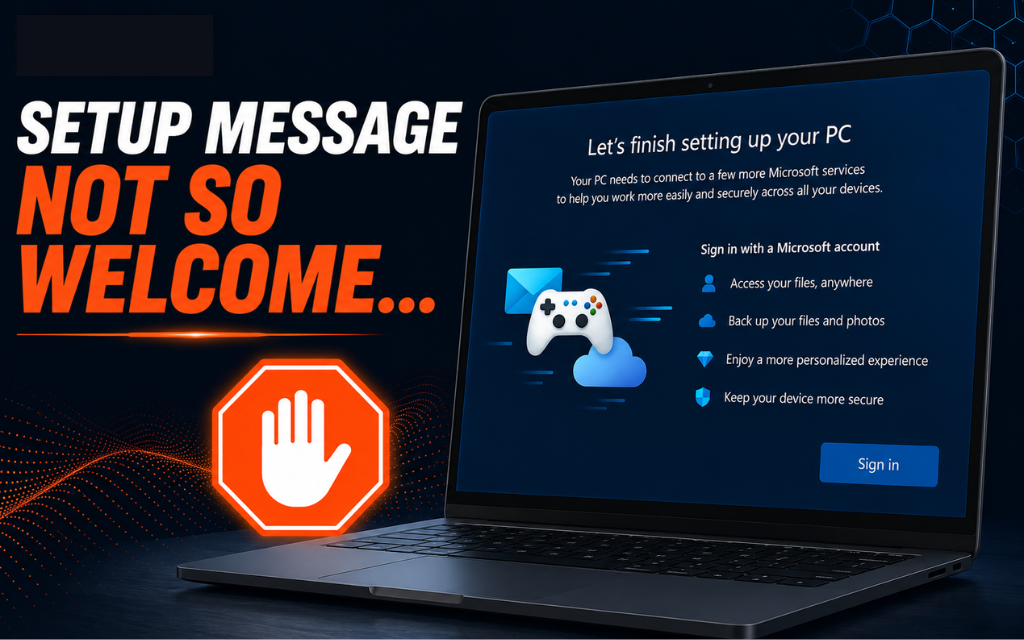
On personal devices (or systems not joined to a domain), have you ever seen the “Let’s finish setting up your PC” prompt?
The one that really wants you to sign in with a Microsoft account?
For non-technical users, this can feel like a requirement… not a suggestion.
And more often than not, they’ll just use a personal account to get past it, even on a machine they never intended to tie to one.
I don’t know about you, but I’m not a fan.
Here’s how to clean it up:
Open Registry Editor as admin
Go to:
HKCU\Software\Microsoft\Windows\CurrentVersion\ContentDeliveryManager
Find (or create) the value:
SubscribedContent-310093Enabled
Set it to: 0
What this does:
- Disables the “finish setting up your device” experience and related prompts.
What this does NOT do:
- It does not block Microsoft account sign-in directly.
It simply removes the prompt pushing users toward it.
Best Practice: Domain join your machines, but if you must this setting is here for you.
Sometimes hardening is just removing the nudge in the wrong direction.
(if you want a free guide of other hardening tips like this or a better/automated method of hardening configuration settings email me at hardeningtips@senteon.co 😉 )
 Robbz Olson : Jul 16, 2026, 9:13:00 AM
Learn how to reduce shadow IT and unnecessary attack surface by limiting Microsoft Store app discovery and creating greater control over software on...
 Robbz Olson : Jul 20, 2026, 8:31:00 AM
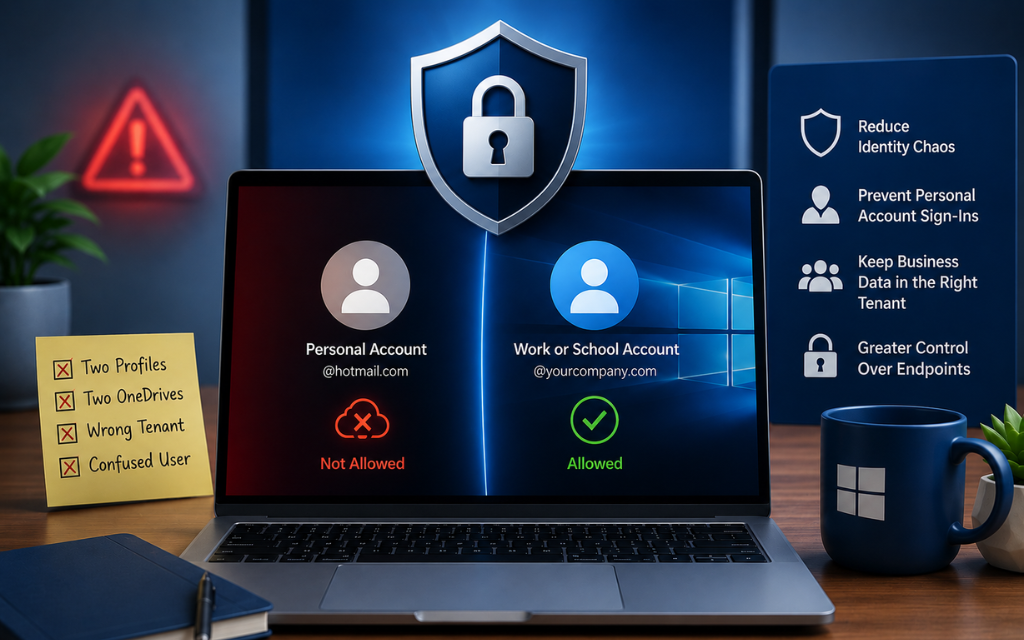
Learn how to block personal Microsoft accounts on Windows business devices to reduce identity sprawl, prevent account confusion, and maintain greater...
 Robbz Olson : Jul 29, 2026, 9:04:00 AM
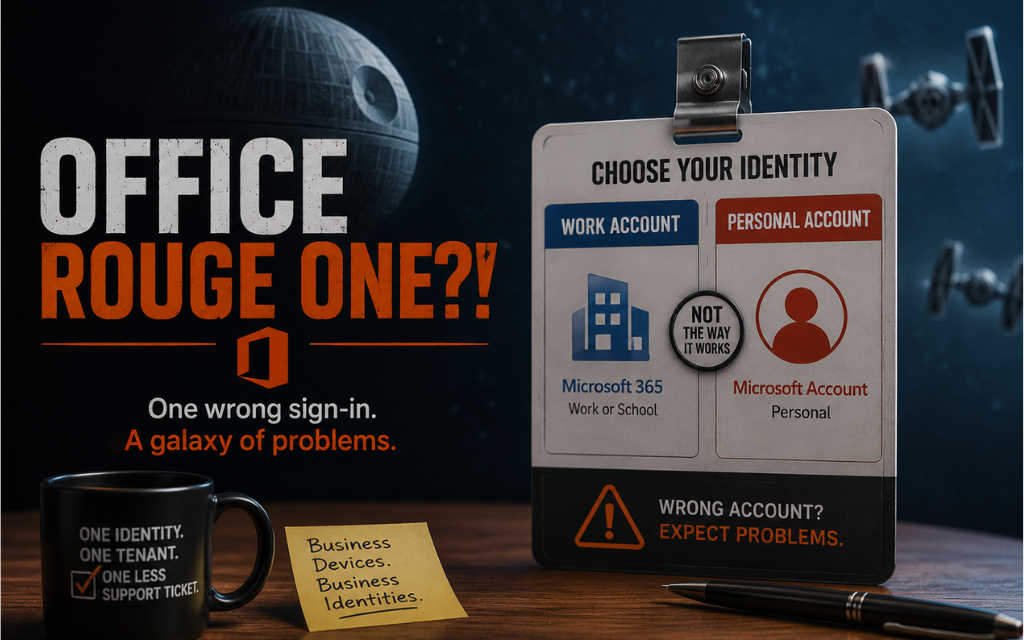
Learn how to control Microsoft Office sign-in options, block personal accounts, and reduce identity confusion, OneDrive issues, and licensing...