1 min read

Better Microsoft Account Restrictions

Better Microsoft Account Restrictions

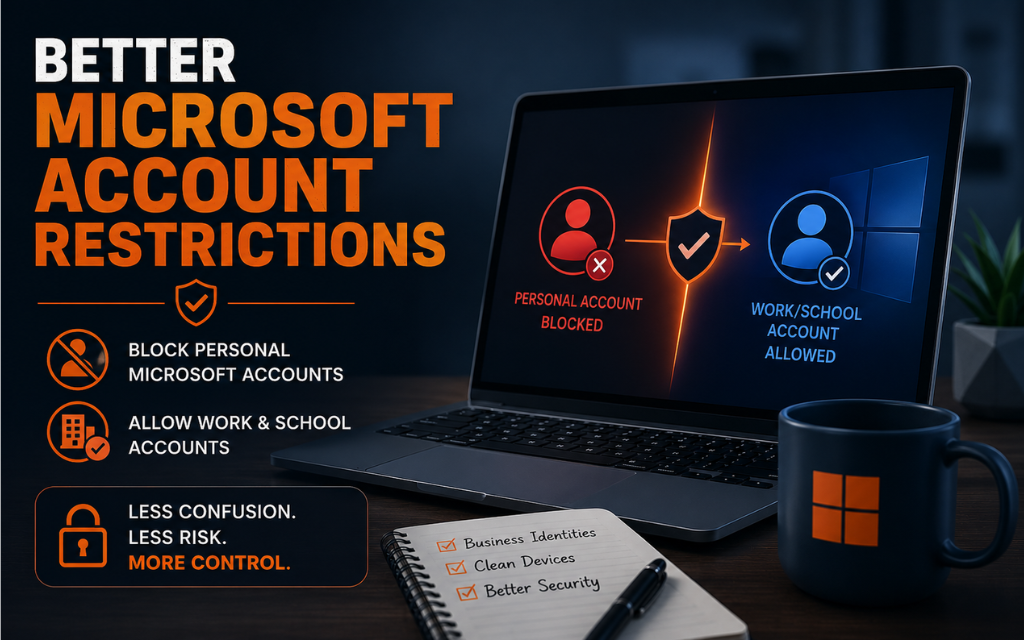
A while back, I shared a tip about using the following registry setting to block personal Microsoft accounts on Windows found here: https://senteon.co/hardening-tips/stop-the-microsoft-login

HKEY_LOCAL_MACHINE\SOFTWARE\Microsoft\Windows\CurrentVersion\Policies\System
NoConnectedUser

A lot of people asked:
"Does this block Microsoft 365 and Entra ID too?"

A simplified view looks like this:
Control: NoConnectedUser=3

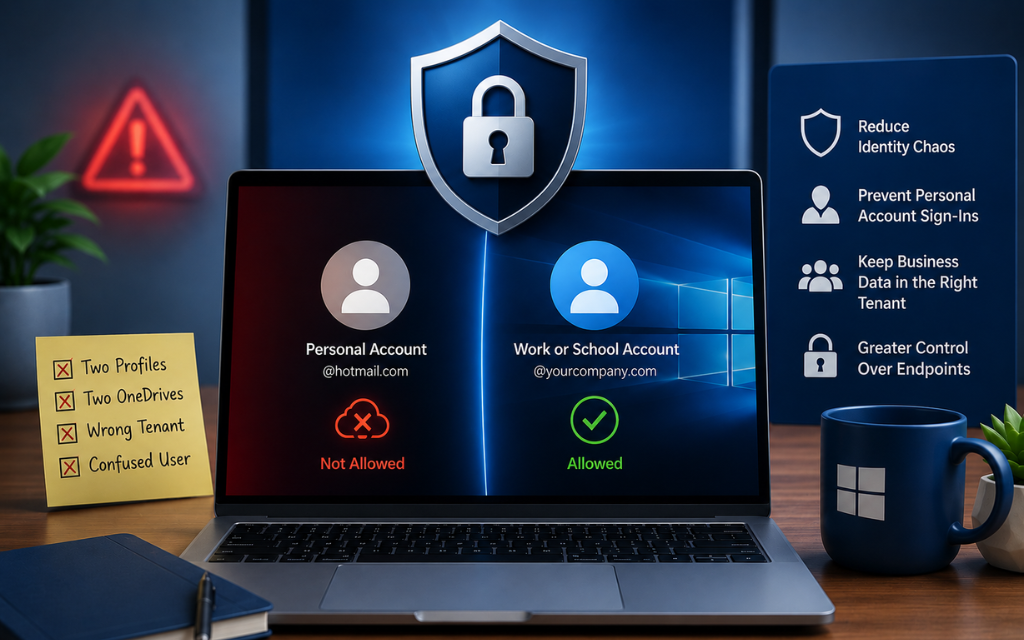
Consumer Microsoft Account (MSA): ❌ Blocked
Work/School Account (Org ID) : ✅ Typically Allowed
Microsoft Entra Join: ✅ Allowed

Authentication Flow

Is this a Consumer Microsoft Account?
|─ Yes → NoConnectedUser evaluated
└─ Blocked
└─ No
|─ Organizational Identity?
│└─ Entra ID / Work or School Account Path
└─ AD / Local Account Path

So why did I say "Typically Allowed" instead of just "Allowed"?

Because organizational sign-in behavior can still be influenced by:

- Tenant policies
- Conditional Access
- Enrollment restrictions
- Device registration requirements
- Windows version differences

These controls can affect whether a Work or School account is allowed to sign in, register, or join the device.

In other words:
NoConnectedUser only evaluates Consumer Microsoft Accounts (MSAs).

Organizational identities are generally handled through separate Entra ID, Work/School Account, and device management policies.

So while organizational identities are typically allowed by this setting, they may still be restricted by other controls in your environment.

The important takeaway is that this setting is intended to block personal Microsoft accounts while leaving organizational identity systems to their own controls and governance.

That's why I like this setting.

It solves one of the most common support and security headaches:
Users mixing personal and business identities on the same machine.
Company files end up in personal OneDrive.

- Multiple profiles appear.
- Ownership gets muddy.
- Support tickets multiply.

Business devices should use business identities.

Much deeper dive here: https://docs.senteon.co/microsoft-account-restrictions

Block Personal Microsoft Accounts

1 min read

Block Personal Microsoft Accounts

Put yourself in this IT support scenario: You get a ticket that made no sense.User couldn’t access company files.OneDrive was “missing.”Desktop...

READ MORE
How to shut off Co-Pilot

1 min read

How to shut off Co-Pilot

“We use (insert your company AI tool here)… but we don’t want other AI tools in our environment.”I hear this more than you’d think. Controlled usage,...

READ MORE
PowerShell Need Logs

1 min read

PowerShell Need Logs

Many vulnerabilities commonly use PowerShell to execute attacks on your system without leaving any traces. Powershell transcription logs are turned...

READ MORE