1 min read
Block Personal Microsoft Accounts
Put yourself in this IT support scenario: You get a ticket that made no sense.User couldn’t access company files.OneDrive was “missing.”Desktop...
“We use (insert your company AI tool here)… but we don’t want other AI tools in our environment.”
I hear this more than you’d think. Controlled usage, Approved tools, Defined process.
Makes sense. But then…
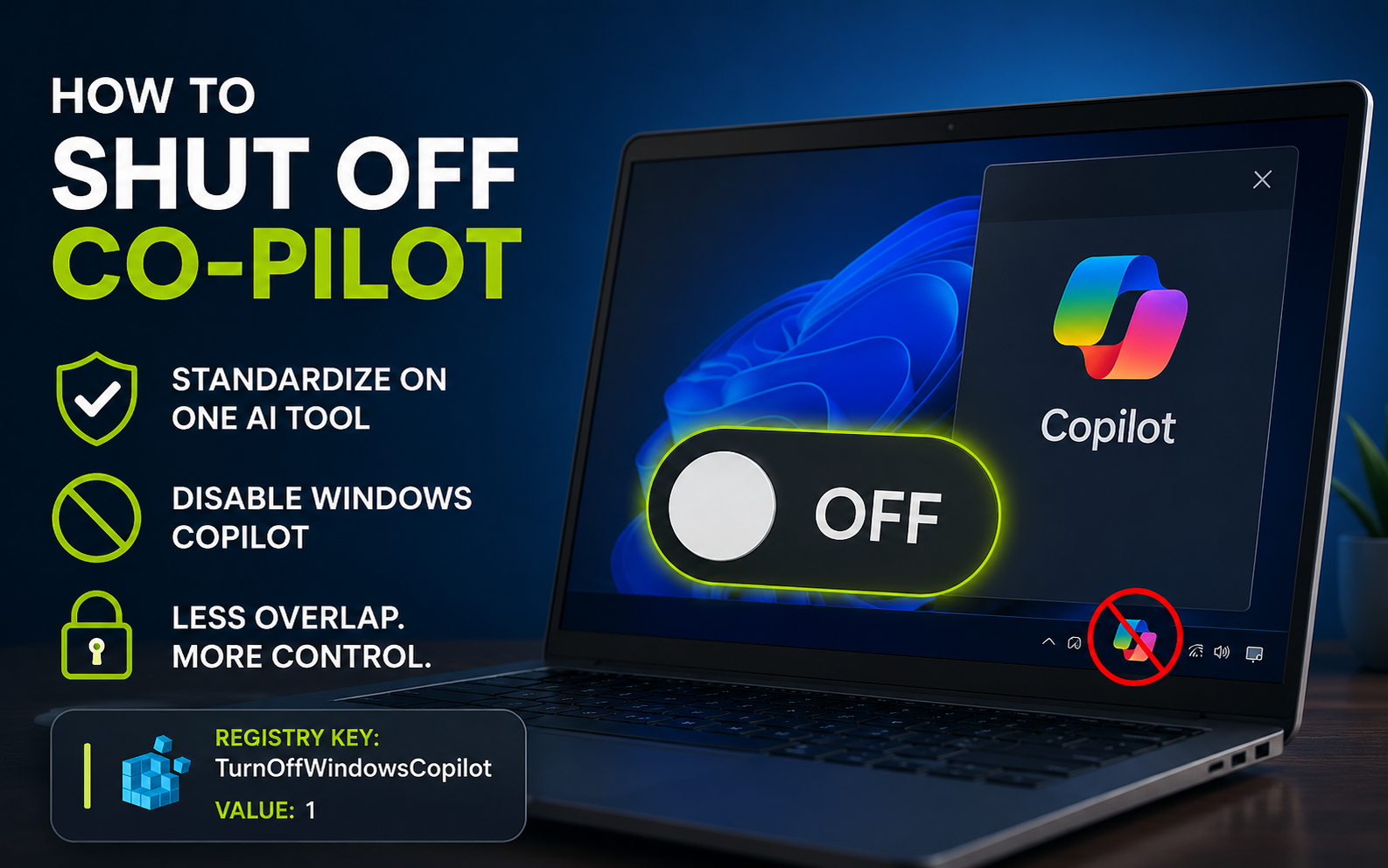
Windows ships with Copilot built directly into the OS😑
So now you’ve got:
One AI tool that’s approved and governed
And another one sitting on every endpoint… unmanaged
Same category.
Very different level of control.
If your strategy is to standardize on one tool,
you can’t ignore the one that’s already built in.
Here’s how to turn it off:
Open Registry Editor
Go to:
HKCU\Software\Policies\Microsoft\Windows\WindowsCopilot
If it doesn’t exist, create WindowsCopilot
Create a DWORD (32-bit) value called:
TurnOffWindowsCopilot
Set it to: 1
What this does:
Disables Windows Copilot on the device.
What this does NOT do:
- It does not block other approved AI tools.
- It simply removes the built-in Copilot experience from Windows.
This is especially useful for:
Organizations standardizing on a single AI platform
Teams with defined AI usage policies
Environments where consistency matters
You don’t need every AI tool, you need the right one, used the right way.
Less overlap. Less confusion. More control.
(if you want a free guide of other hardening tips like this or a better/automated method of hardening configuration settings email me at hardeningtips@senteon.co 😉 )
1 min read
Put yourself in this IT support scenario: You get a ticket that made no sense.User couldn’t access company files.OneDrive was “missing.”Desktop...
1 min read
Many vulnerabilities commonly use PowerShell to execute attacks on your system without leaving any traces. Powershell transcription logs are turned...
1 min read
One of the most overlooked attack surfaces on a Windows machine?Bluetooth services running in the background.Most people don’t think twice about...