 Robbz Olson
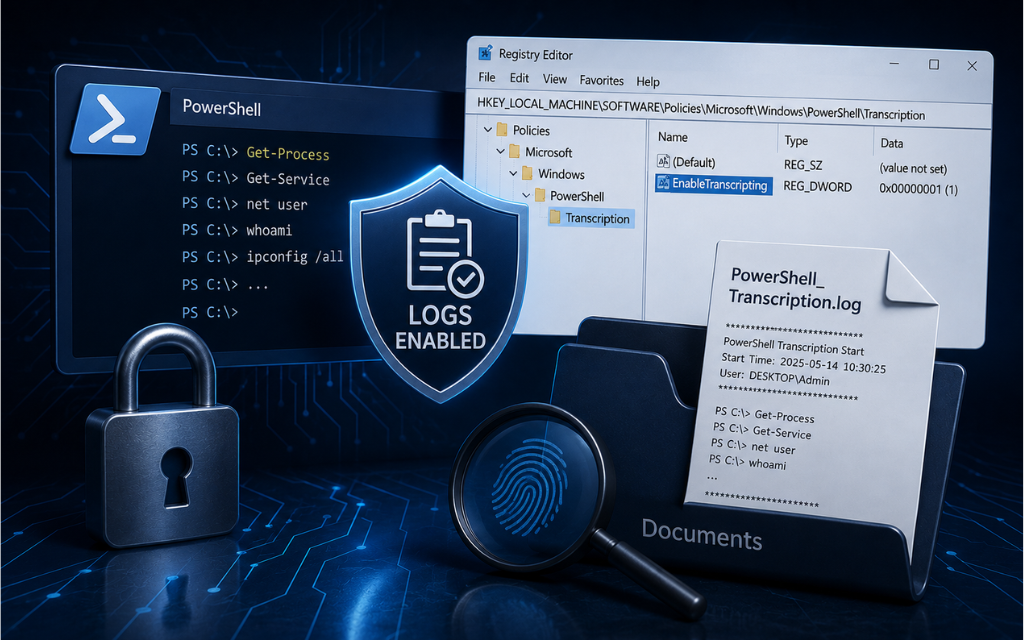
Block Personal Microsoft Accounts
 Robbz Olson : Jul 20, 2026, 8:31:00 AM
Learn how to block personal Microsoft accounts on Windows business devices to reduce identity sprawl, prevent account confusion, and maintain greater...
 Robbz Olson : Jul 20, 2026, 8:31:00 AM
Learn how to block personal Microsoft accounts on Windows business devices to reduce identity sprawl, prevent account confusion, and maintain greater...
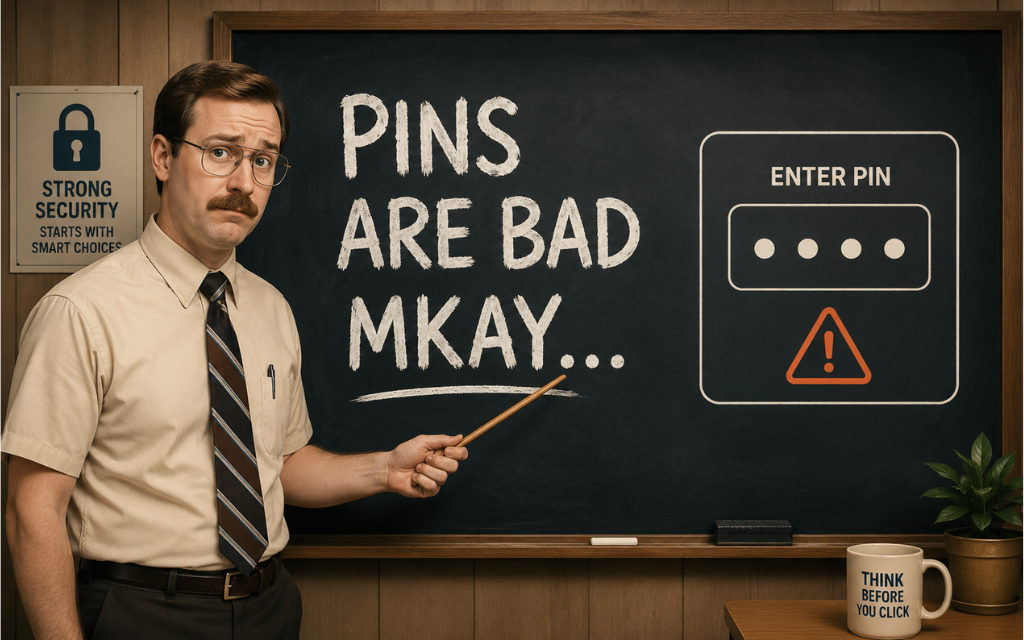 Robbz Olson : Jul 27, 2026, 9:16:00 AM
Learn how to disable PIN sign-in for Windows domain users, reduce authentication sprawl, and maintain greater control over approved login methods.
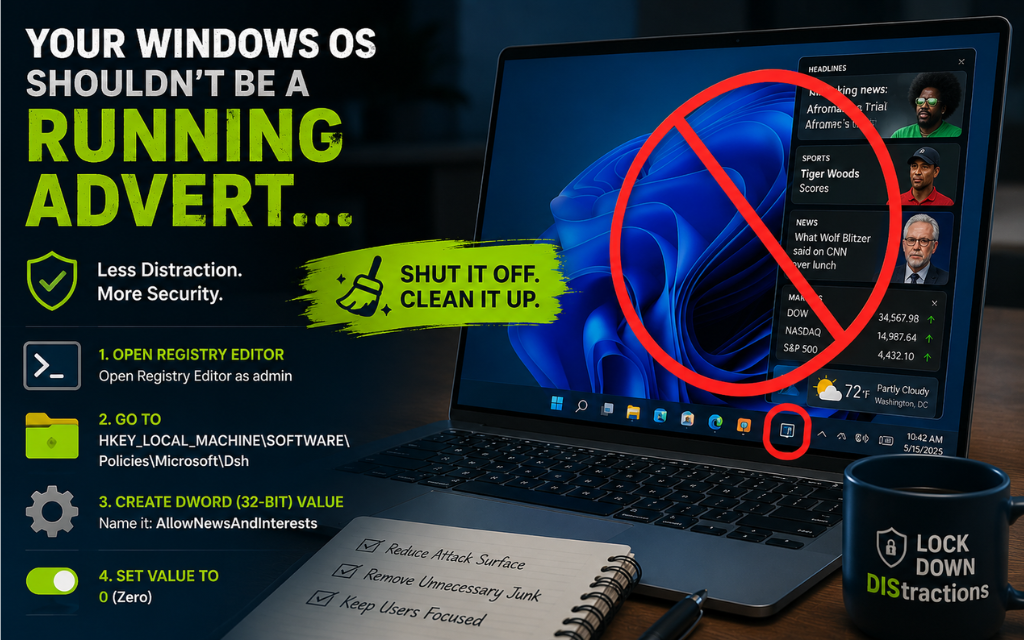 Robbz Olson : Jul 22, 2026, 9:37:00 AM
Learn how to disable Windows News and Interests and Widgets to reduce distractions, remove unnecessary features, and maintain greater control over...