1 min read

Macros, the Sneaky IT In

Macros, the Sneaky IT In

When people think about phishing, they usually picture someone in Accounting opening an invoice they shouldn't have.

But here's something I've noticed over the years...

IT professionals are often the real target.

Why?

Because we're expected to open things other people won't.

Customer databases.
Vendor utilities.
Proof-of-concept files.
Troubleshooting packages.
Sample applications.
Logs.
Scripts.

If someone sends an Access database to the Accounting department, they're probably going to ignore it.

If someone sends an Access database to an IT admin?

There's a pretty good chance they're going to open it because "it's probably for troubleshooting."

Attackers know this.

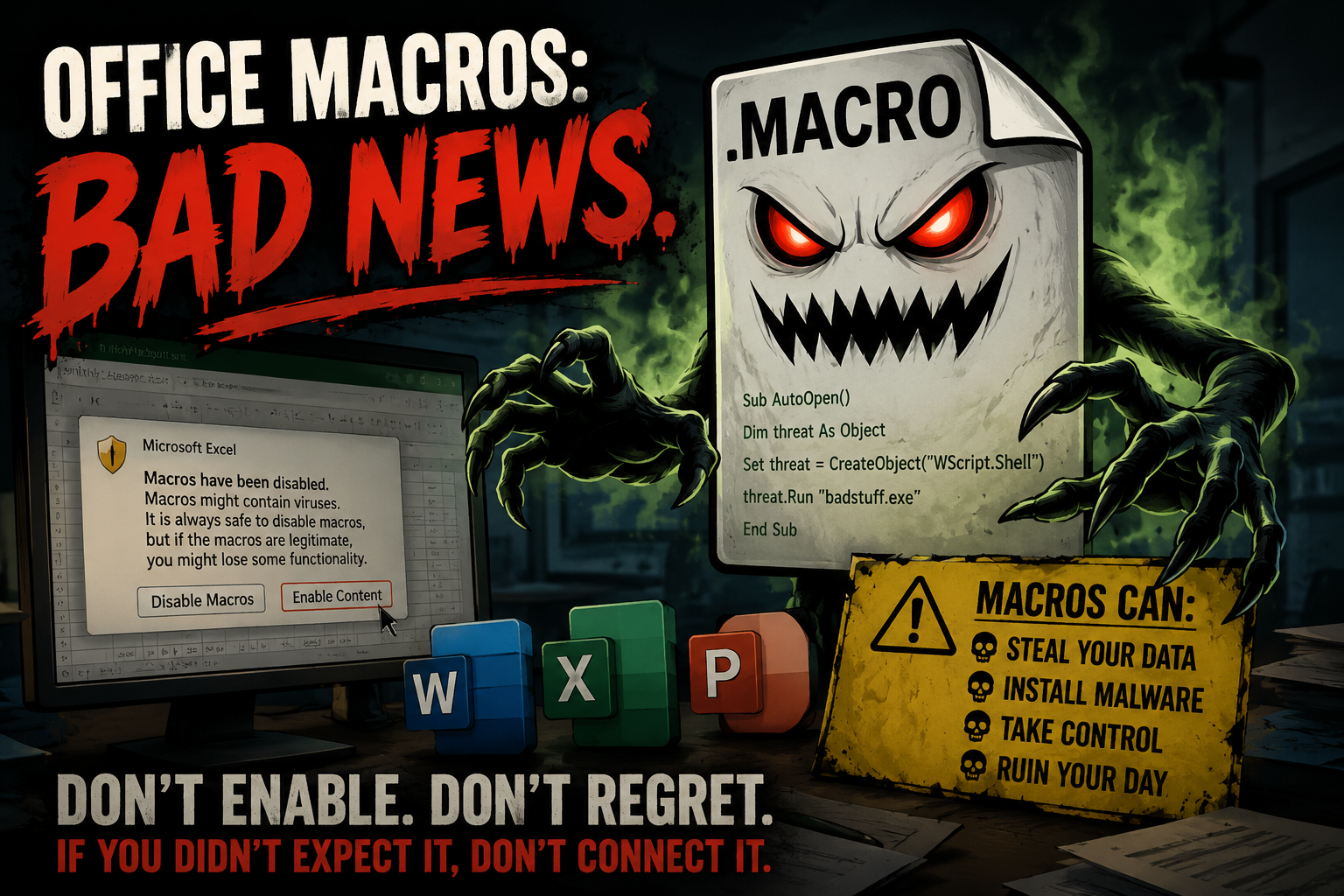
That's why Office documents continue to be one of the most common initial access vectors. They don't always rely on a software vulnerability. Sometimes they're counting on curiosity, urgency, or the fact that IT professionals are conditioned to investigate unfamiliar files.

One setting that helps reduce this risk is:

HKEY_CURRENT_USER\SOFTWARE\Policies\Microsoft\Office\16.0\Access\Security
BlockContentExecutionFromInternet
Set it to: 1

What this does:

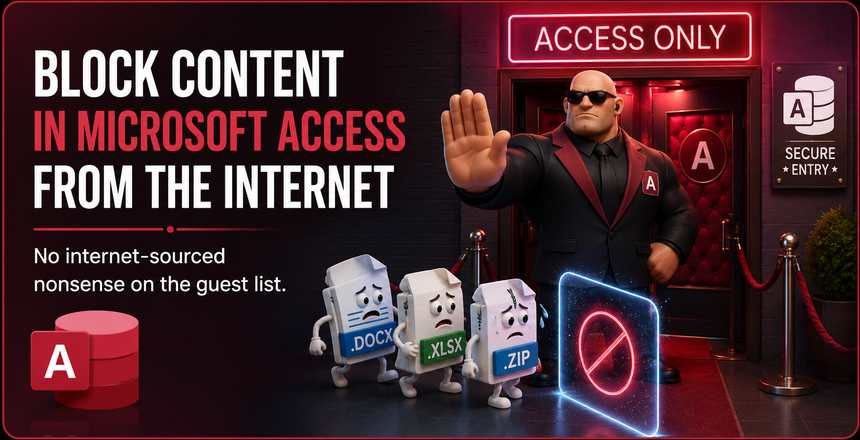
Blocks active content, including VBA macros and other executable content, from running in Microsoft Access databases that originate from the Internet or another untrusted location.

In other words...
The database can still be opened.
The code inside it doesn't automatically get a chance to run.

What this does NOT do:
- It doesn't uninstall Microsoft Access.
- It doesn't block users from opening legitimate Access databases.
- It doesn't prevent trusted internal databases from working.

It simply adds another layer of protection when a file comes from an untrusted source.

This is especially useful for:
- IT administrators
- Help desk technicians
- Consultants
- Developers
- Finance teams
- Anyone who regularly receives files from vendors or customers

One of the biggest misconceptions in cybersecurity is that technical people are harder to trick.

In reality... Technical people are often given more opportunities to trust the wrong file.

The goal isn't to distrust everything.

It's to make sure one mistake doesn't become a breach.


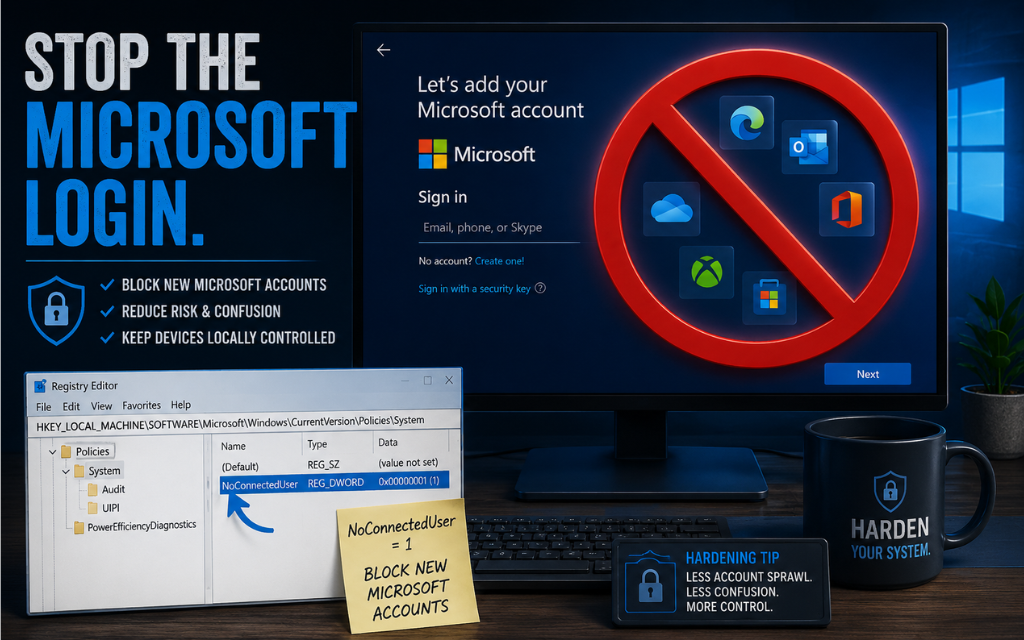
Stop the Microsoft login

1 min read

Stop the Microsoft login

If you support users who are not joined to a domain (standalone machines), one of the most frustrating things to manage is people signing into the...

READ MORE
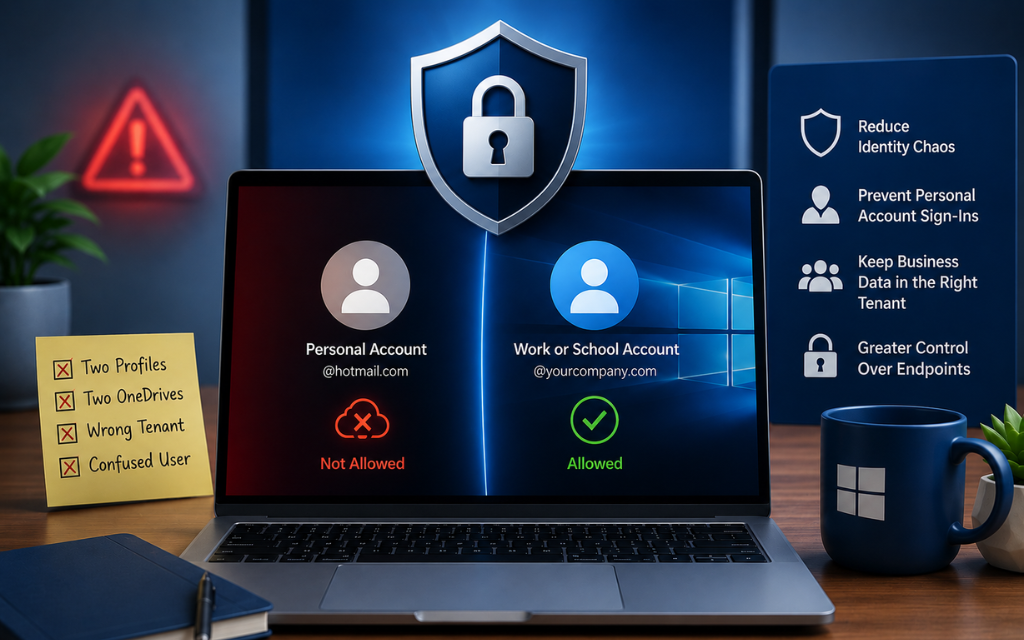
Block Personal Microsoft Accounts

1 min read

Block Personal Microsoft Accounts

Put yourself in this IT support scenario: You get a ticket that made no sense.User couldn’t access company files.OneDrive was “missing.”Desktop...

READ MORE
How to shut off Co-Pilot

1 min read

How to shut off Co-Pilot

“We use (insert your company AI tool here)… but we don’t want other AI tools in our environment.”I hear this more than you’d think. Controlled usage,...

READ MORE